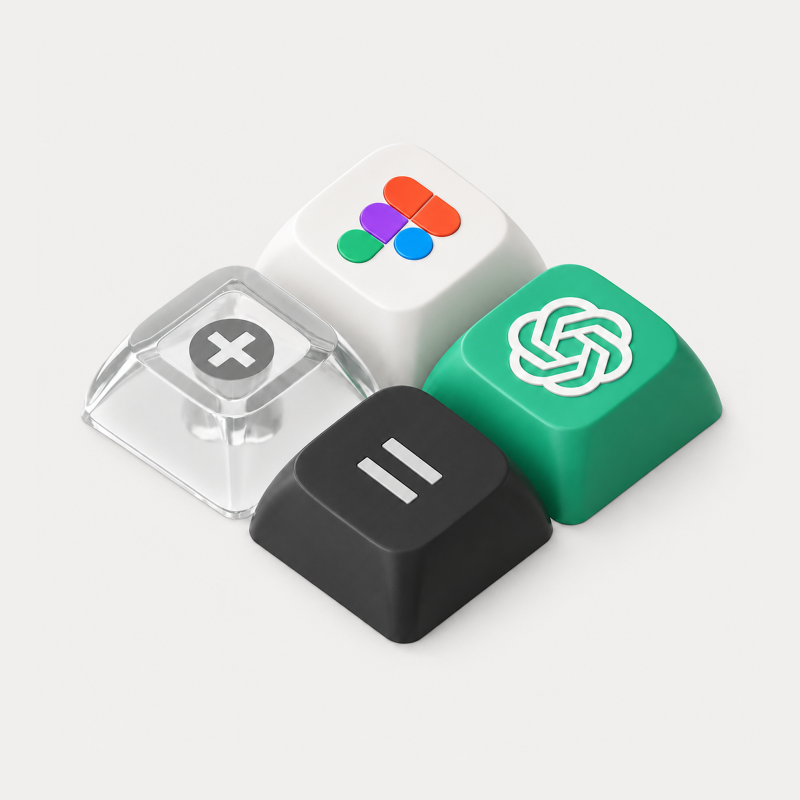
Figma has expanded its AI lineup by officially bringing OpenAI’s GPT-5.6 model to Figma Make.
If you’ve been using Figma Make to turn natural language prompts into interactive, functional app prototypes, this update marks a major leap forward. The inclusion of GPT-5.6 isn't just about faster text generation, it addresses some of the trickiest pain points in AI design, including responsive layouts, multi-screen logic, and mid-generation error correction.
Here is everything you need to know about what’s new, why it matters, and how to get the best results for your product workflows.
What’s New with GPT-5.6 in Figma Make?
While previous models could generate basic UI layouts from prompts, they often struggled with responsive flexibility, state logic, or handling existing design system tokens. GPT-5.6 brings noticeable upgrades across four key areas:
1. Superior First-Pass Quality & Self-Healing
One of the standout features of GPT-5.6 in Figma Make is its error recovery capability. If the generated code encounters a layout constraint or broken component during rendering, the model can automatically identify and fix its own errors mid-generation. This leads to significantly higher first-pass accuracy and fewer broken UI renders.
2. Multi-Screen & Responsive Intelligence
Generating a single mobile frame is easy; keeping components, padding, and layout rules consistent across desktop, tablet, and mobile views is where AI usually breaks down. GPT-5.6 handles responsive breakpoints far more naturally, adapting elements fluidly without requiring constant re-prompting.
3. Deeper Context from Existing Figma Files
Instead of starting from a blank canvas, GPT-5.6 is better at interpreting existing visual context—such as design system kits, color palettes, typography guidelines, and brand assets. It reads your design tokens directly from your Figma file and generates UI that aligns with your brand standards.
4. Seamless Code & Pipeline Connectivity
Figma Make isn't just for static visuals—it bridges the gap between design and development. With GPT-5.6, Figma Make handles local codebases, Model Context Protocol (MCP) connectors, and direct syncs to GitHub repositories. Design changes made in Figma Make can now flow more directly into production-ready front-end code.
How to Switch to GPT-5.6 in Figma Make
Accessing the new model takes just a few clicks inside your Figma Make workspace:
- Step 1: Open a Figma Make File (create a new prompt-to-app canvas or open an existing draft).
- Step 2: Locate the Model Selector at the bottom chat input bar where your active model is displayed.
- Step 3: Select GPT-5.6 from the dropdown menu.
- Step 4: Run your prompt for a multi-screen layout, interactive component, or web feature.
Choosing the Right Model in Figma Make
Figma Make lets you switch between multiple foundation models depending on your task goals. Here is how GPT-5.6 compares to other available options:
GPT-5.6
- Primary Strengths: Deep reasoning, self-healing code, and complex multi-screen layouts.
- Best Used For: Functional app prototypes, complex user flows, and system-aware UI generation.
Claude Sonnet / Opus
- Primary Strengths: Nuanced writing, deep structural reasoning, and detailed architectural planning.
- Best Used For: Heavy logic validation, content strategy, and writing nuanced UX copy.
Gemini 3 Flash / Pro
- Primary Strengths: Ultra-fast generation, rapid iteration, and creative visual exploration.
- Best Used For: Quick wireframing, rapid visual ideation, and exploratory design sprints.
Best Practices: How to Get the Best Results from GPT-5.6
The Golden Rule: Speed is useful, but context is everything. AI moves fast, but human direction dictates success.
To unlock the full potential of GPT-5.6 in Figma Make, keep these tips in mind:
- Provide Visual Context: Attach existing SVG icons, brand assets, or link your design system file before prompting. The model works best when it builds on existing rules.
- Define User & Goal First: Instead of prompting "Build a checkout screen," prompt "Build a 3-step checkout flow for an e-commerce app focusing on low friction, clear order summaries, and mobile-friendly input fields."
- Test Interactivity Early: Use Figma Make's interactive preview to test state toggles, hover effects, and responsive breakpoints right after generation.
The Big Picture for Digital Teams
The arrival of GPT-5.6 in Figma Make is another step toward blurring the line between design and code. Product managers, designers, and developers can now co-create real, working web components in minutes rather than spending days translating static mockups into code.
At caraka.io, we closely track how modern AI models transform modern product design and engineering workflows. Whether you're building a SaaS platform, a mobile application, or a digital design system, leveraging tools like Figma Make with GPT-5.6 keeps your team ahead of the curve.